Guides
Is that HMRC text really a scam?
Some HMRC texts this autumn are genuine, about overdue self assessment and VAT registration, which is exactly why scammers copy them. A real HMRC text never asks you to click a link, reply with details, or pay there and then. Here is how to tell a genuine message from a scam, and how to report one.
 By David ElliottBSc FCA, Founder & Managing Partner
Figures in this piece were checked on 9 October 2026. Rates and thresholds change, so confirm anything you are relying on.
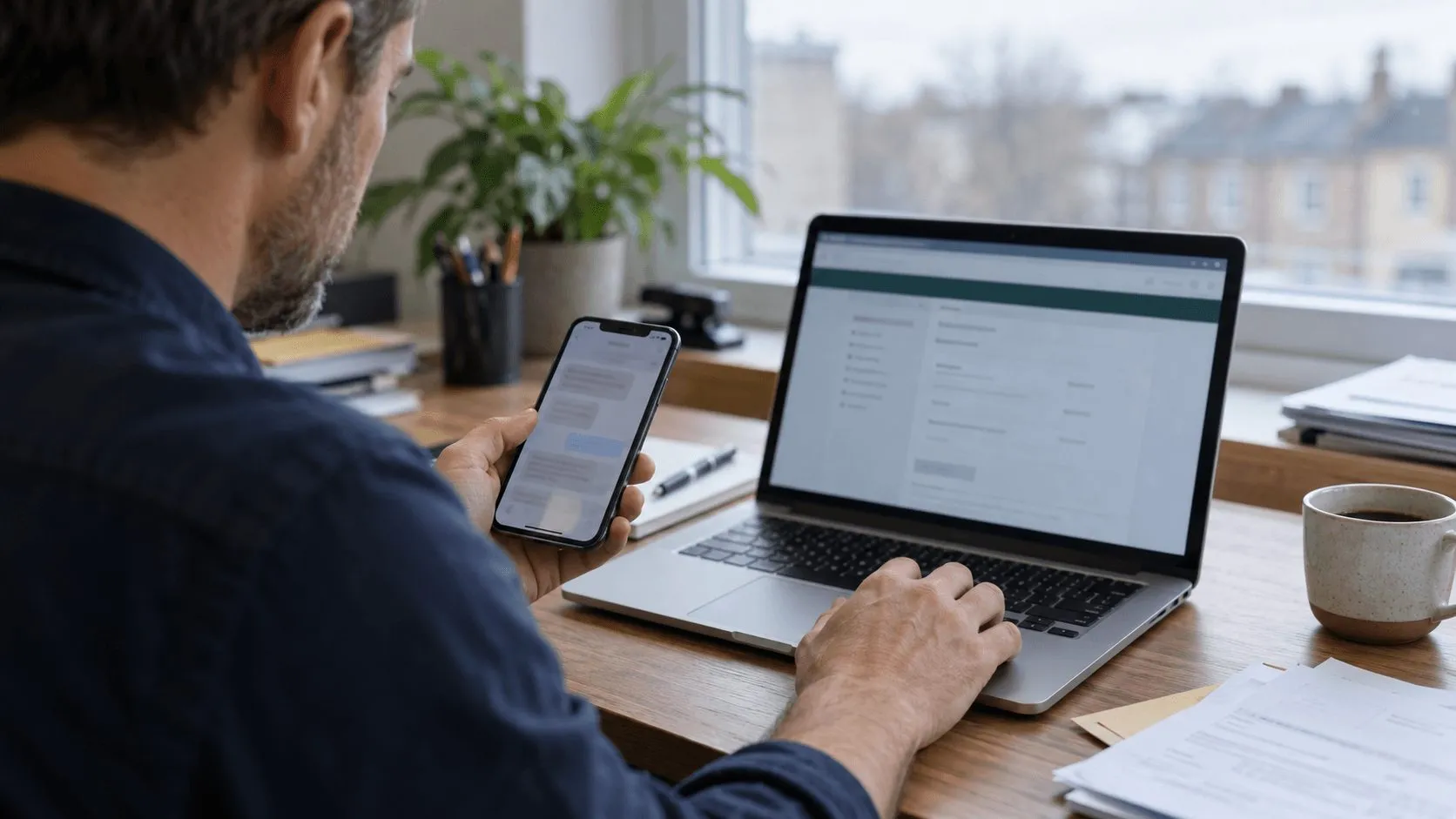
Not necessarily. HMRC is texting some taxpayers this week about overdue self-assessment liabilities, and it is also texting businesses about VAT registration applications. Those messages are genuine. The problem is that fraudsters know this too, and they time their own fake texts, emails and social media posts to blend in.
So how do you tell the real thing from a scam? HMRC updated its guidance this week, and the rules are simpler than you might think.
What genuine HMRC texts look like this month
HMRC publishes a list of the text messages it is currently sending. Two campaigns are live right now.
Self-assessment liabilities overdue
Some taxpayers will get a text saying their self-assessment liability is overdue. A genuine message tells you to check your HMRC online account and to go to gov.uk. It will not ask for personal or financial information, and it will not contain a link to a website.
VAT registration updates
Businesses waiting on a VAT registration application may get a text. It might confirm the query is being processed, give an update, or ask you to respond to an earlier HMRC email or letter. Again, there is no request for personal or financial details and no direct website link.
HMRC is also running other text campaigns. Business owners should note one in particular: until 14 December 2026, HMRC’s debt team may text to say a payment has not been received, or that it has asked your bank to hold money in your business account. These are real, but they are exactly the kind of message a fraudster would copy. Never act on the text itself. Check your account first.
Some HMRC texts now arrive as “branded” messages, showing HM Revenue and Customs as the sender with the HMRC logo and verified sender details. That helps, but branding can be faked, so do not rely on it alone.
The warning signs of a scam
HMRC’s own checklist says a call, email, text or message could be a scam if it:
- rushes you or creates a sense of urgency
- is threatening
- is unexpected
- asks for personal information, such as bank details
- tells you to transfer money
- offers a refund, tax rebate or grant
HMRC also sets out things it will never do. It will never leave a voicemail threatening legal action or arrest. It will never ask you to pay with gift cards or payment vouchers. It will not contact you on WhatsApp, other than occasional one-way tax reminders through a UK Government channel you have chosen to subscribe to. And it will never send you to a page via a QR code where you have to enter personal details. The golden rule is that HMRC will never ask for personal or financial information by text.
Beware “HMRC” on social media
This week HMRC expanded its guidance to cover social media more explicitly. It is clear: HMRC will never use social media to offer you a tax rebate or to ask for personal or financial information.
Fake accounts often copy HMRC’s name, logo and tone, sometimes convincingly. They may reply to your public posts, send direct messages, or promote “rebate” links. If an account claiming to be HMRC approaches you and you cannot verify it, do not reply and do not share anything. You can report the account name and platform to branddefence@hmrc.gov.uk.
How to check, and how to report
If you receive an unexpected message, do not rely on the sender name or the branding. Instead:
- Do not click, do not reply. Never use a link, phone number or QR code from the message itself.
- Go direct. Type gov.uk into your browser yourself and sign in to your HMRC online account or business tax account. If HMRC really needs something from you, it will show up there.
- Check HMRC’s list. HMRC publishes the text formats it is currently sending on gov.uk. If yours is not on the list, treat it with suspicion.
- Ask us. If you are unsure, forward a screenshot to your usual eba contact before doing anything.
To report a scam:
- Texts: forward to 60599 (network charges apply), then delete.
- Emails: forward to phishing@hmrc.gov.uk, then delete.
- Social media accounts: email the account name and platform to branddefence@hmrc.gov.uk.
- If you have already given away personal details, report it to HMRC’s security team on gov.uk straight away. If you have lost money, report it through Report Fraud (in Scotland, call Police Scotland on 101), and contact your bank immediately.
So, is that HMRC text a scam?
It might be genuine. But a genuine HMRC text will never need you to click a link, reply with details, or pay there and then. If you treat every message as a prompt to check your HMRC account yourself, rather than an instruction to act, the scammers have nothing to work with.
As your accountants, we see most of HMRC’s correspondence on your behalf and know what to expect. If something lands that does not feel right, call or email the eba team before you respond. A two-minute check could save a great deal of money and stress.
Frequently asked questions
Is HMRC really texting people about self assessment and VAT?
Yes. HMRC currently has genuine text campaigns about overdue self-assessment liabilities and about VAT registration applications. A real HMRC text tells you to check your account or go to gov.uk, and never asks for personal or financial information or includes a link to a website.
Will HMRC ever ask for bank or personal details by text?
No. The golden rule is that HMRC will never ask for personal or financial information by text. Any message that asks for bank details, tells you to transfer money, or offers a refund in exchange for your details is a scam.
Does HMRC contact people on WhatsApp or social media?
No, other than occasional one-way tax reminders through a UK Government channel you have chosen to subscribe to. HMRC will never use social media to offer a tax rebate or to ask for personal or financial information, so treat any account that does as fake.
How do I report an HMRC scam text or email?
Forward suspicious texts to 60599 and then delete them, and forward suspicious emails to phishing@hmrc.gov.uk and then delete them. Report suspicious social media accounts to branddefence@hmrc.gov.uk.
What should I do if I have already clicked a link or given details?
Report it to HMRC’s security team on gov.uk straight away. If you have lost money, report it through Report Fraud (in Scotland, call Police Scotland on 101) and contact your bank immediately. Then tell your eba contact so we can help you check nothing else is affected.